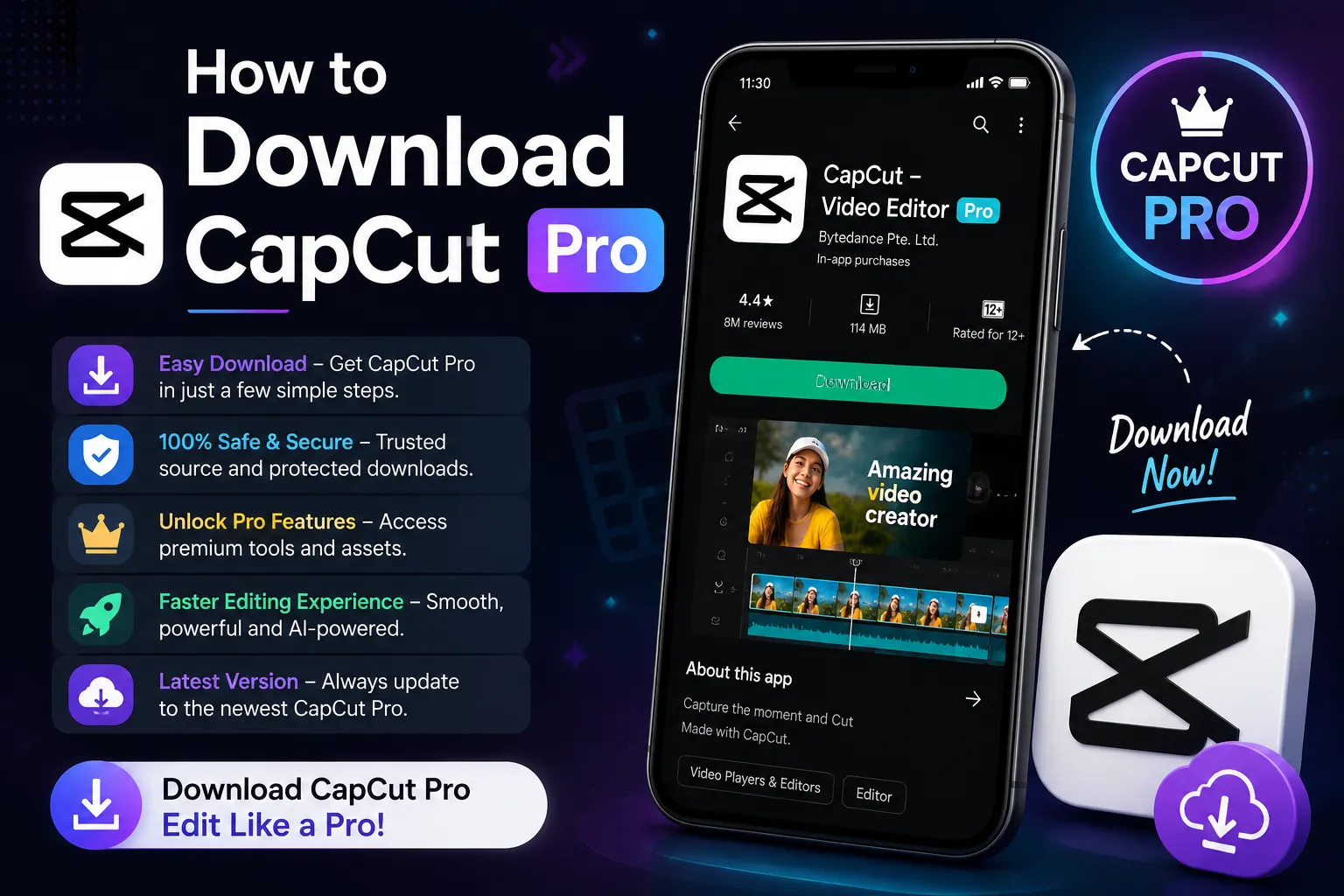
Video editing has become much easier with the rise of artificial intelligence. Tasks that once required hours of manual work can now be completed in minutes with AI-powered video editing tools. One of the most popular platforms in this space is CapCut Pro, which combines traditional video editing features with AI-powered tools designed for modern content creators.
Whether you create YouTube videos, Instagram Reels, TikTok videos, YouTube Shorts, advertisements, tutorials, product videos, or educational content, CapCut Pro can help simplify your editing workflow.
In this detailed guide, we will explore what CapCut Pro is, its major features, AI video editing capabilities, benefits, limitations, and other AI tools that can be used alongside CapCut to create better content.
What Is CapCut Pro?
CapCut Pro is the premium version of the CapCut video editing platform. It is designed for creators who want access to additional editing features, premium creative resources, advanced effects, AI-powered capabilities, cloud storage, and other professional tools.
CapCut is popular because its interface is relatively easy to understand, even for beginners. Users can edit videos, add transitions, create captions, apply effects, adjust audio, remove backgrounds, and perform many other editing tasks without needing advanced professional editing experience.
CapCut Pro expands this workflow by providing access to additional premium features and resources. The exact availability of certain features can vary depending on the platform, region, and current CapCut plan.
Why Is CapCut Pro Popular Among Content Creators?
The biggest advantage of CapCut is that it combines many editing functions inside a single application. Instead of switching between several programs for basic editing tasks, creators can complete a large part of their workflow in one place.
A typical CapCut Pro workflow can include:
- Importing and organizing video footage
- Cutting and trimming clips
- Adding transitions and visual effects
- Creating automatic captions
- Removing video backgrounds
- Adding music and sound effects
- Improving video and audio quality
- Creating voiceovers
- Using AI-assisted editing features
- Creating content for different social media formats
This combination makes CapCut particularly useful for creators who publish content frequently and want to reduce repetitive editing work.
CapCut Pro AI Video Editing Features
Artificial intelligence is becoming one of the most important parts of modern video editing. CapCut has integrated several AI-powered features that can automate or simplify common editing tasks.
1. AI Auto Editing
One of the most useful AI-assisted features is automatic editing. AI can analyze footage and help identify scenes, cuts, and moments that may work well together.
CapCut’s AI-assisted editing workflows can help creators quickly create an initial edit instead of manually arranging every clip from scratch. This can be especially useful for short-form content, vlogs, travel videos, promotional videos, and social media clips.
However, AI-generated edits should still be reviewed manually. AI can create a useful starting point, but human decisions are still important for storytelling, pacing, and creative direction.
2. AI Auto Captions and Subtitles
Automatic captions are extremely useful for social media videos because many viewers watch videos without sound.
CapCut can automatically transcribe spoken audio and generate subtitles. After generating the captions, creators can change the font, color, animation, position, timing, and overall design.
This can save a significant amount of time compared with manually typing subtitles for every sentence.
3. AI Text-to-Speech
Not every creator wants to record their own voice. AI text-to-speech technology allows written scripts to be converted into spoken narration.
CapCut provides text-to-speech functionality that can be useful for tutorials, explainer videos, educational content, storytelling, advertisements, and short-form videos.
Creators who want additional voice-generation options can also explore specialized AI voice platforms such as ElevenLabs. Generated audio can then be imported into CapCut for synchronization and final editing.
4. AI Background Removal
Removing a video background manually can take considerable time, especially when the subject has complicated edges.
AI-powered background removal can automatically detect the main subject and separate it from the background. This is useful for product videos, advertisements, tutorials, talking-head content, thumbnails, and social media videos.
Instead of using a traditional green-screen setup for every project, creators can use AI background removal when appropriate and then replace the background with another image, video, animation, or generated visual.
5. AI Video Generation
AI video generation is another rapidly developing area of content creation. Instead of recording every scene manually, creators can use text or images to generate visual content.
CapCut provides AI-powered video-generation workflows that can help creators experiment with generated scenes, animated images, and other AI-assisted visual content.
For more advanced AI video generation, creators can also explore platforms such as Runway and Adobe Firefly. Generated clips can then be imported into CapCut for editing, captions, music, sound effects, transitions, and final production.
AI Image Generation for Video Creators
Video creators often need images for backgrounds, thumbnails, illustrations, story scenes, product concepts, and promotional graphics.
AI image-generation tools can create custom visuals from text prompts. These images can then be imported into CapCut and turned into animated video sequences using zoom effects, camera movements, transitions, and sound design.
Creators can also explore AI design platforms such as Canva and Adobe Firefly when they need thumbnails, social media graphics, presentations, or supporting visual assets.
Best AI Tools to Use With CapCut Pro
CapCut Pro can serve as the central editing platform, while other AI tools can handle specialized tasks. Combining multiple tools can create a more efficient content-production workflow.
AI Video Generation Tools
AI video-generation platforms can be used to create B-roll, cinematic concepts, product demonstrations, backgrounds, and creative scenes.
Tools such as Runway and Adobe Firefly can be useful when you need generated footage that would otherwise require filming or complex visual effects.
AI Voice Generation Tools
AI voice-generation platforms can create narration without requiring the creator to record every sentence manually.
ElevenLabs is one example of a specialized AI voice platform. A creator can generate narration, download the audio, import it into CapCut, and synchronize it with video clips and captions.
AI Writing Tools
A good video starts with a good idea and script. AI writing tools can help generate video concepts, outlines, hooks, scripts, descriptions, and content variations.
A practical workflow is to use AI for the first draft, review and fact-check the content, customize it with your own ideas, and then use the final script for voiceover and editing.
AI Video Repurposing Tools
Creators who produce long-form videos can use AI to identify useful sections and turn them into shorter pieces of content.
This is particularly helpful for podcasts, interviews, webinars, educational videos, and YouTube content. CapCut also provides workflows designed to help transform longer videos into shorter social-media-friendly clips.
CapCut Pro for YouTube
CapCut Pro can be useful for both YouTube Shorts and longer YouTube videos.
For long-form content, creators can use cutting, transitions, audio editing, text overlays, effects, color adjustments, captions, and other traditional editing features.
For YouTube Shorts, AI-powered captions, automatic editing, background removal, voiceovers, and vertical formatting can speed up production.
A simple workflow could be:
Record → Transcribe → Remove unwanted sections → Add captions → Add B-roll → Add music → Improve audio → Add branding → Export.
CapCut Pro for Instagram Reels and TikTok
Short-form platforms require fast pacing and visually engaging content. Captions, transitions, sound effects, music, and quick cuts can all contribute to a better viewing experience.
CapCut’s combination of templates, effects, editing tools, and AI features makes it useful for creators producing short-form content regularly.
Creators can also create one master video and adapt it for different platforms by changing the aspect ratio, captions, branding, and pacing.
Is CapCut Pro Worth It?
Whether CapCut Pro is worth purchasing depends on how often you edit videos and which premium features you actually need.
If you only edit occasional personal videos, the free version may provide everything you need.
For frequent content creators, however, premium assets, advanced editing capabilities, AI features, additional storage, and professional workflow options may make the subscription more useful.
Because CapCut’s pricing, plans, and available features can change over time and may vary by region, users should always check the current official plan information before purchasing.
How to Get Better Results With AI Video Editing
AI can make editing faster, but it should not completely replace human creativity.
The best approach is usually AI-assisted editing combined with human review.
Use AI for repetitive tasks such as:
- Transcription
- Caption generation
- Rough cuts
- Background removal
- Voice generation
- Image generation
- Video generation
- Content repurposing
Then manually review the final result. Check captions for mistakes, verify AI-generated information, review voice pronunciation, and make sure the final video follows the platform’s content and copyright requirements.
CapCut Pro vs Traditional Video Editing
Traditional professional video-editing software remains extremely powerful and is often preferred for complex projects. However, CapCut Pro focuses heavily on accessibility and speed.
For social media creators who need to publish frequently, the ability to combine editing, templates, captions, effects, AI tools, and quick exports in one workflow can be extremely valuable.
The right choice ultimately depends on the type of content you create, your editing experience, and how much control you need over advanced production workflows.
Frequently Asked Questions About CapCut Pro
Is CapCut Pro good for beginners?
Yes. CapCut is designed with a relatively accessible interface, making it suitable for beginners. Users can start with basic trimming and gradually learn more advanced features and AI tools.
Does CapCut Pro use AI?
Yes. CapCut provides a growing collection of AI-powered features for tasks such as captions, background removal, text-to-speech, video generation, image generation, and automated editing.
Can I use CapCut Pro for YouTube videos?
Yes. CapCut Pro can be used for YouTube Shorts as well as many types of long-form YouTube content.
Can AI create a complete video automatically?
AI can automate many parts of video production, but the quality of a completely automated video can vary. Human review is recommended for storytelling, accuracy, pacing, branding, and final quality.
Can I use other AI tools with CapCut?
Yes. You can combine CapCut with AI writing tools, AI voice generators, AI image generators, AI video generators, and AI repurposing platforms. This can create a complete AI-assisted video-production workflow.
Final Verdict
CapCut Pro has developed into much more than a basic video-editing application. Its combination of conventional editing features, premium creative resources, and AI-powered tools makes it a useful platform for modern content creators.
The biggest advantage is workflow efficiency. AI can handle repetitive tasks such as transcription, captions, rough editing, background removal, voice generation, and visual creation, while the creator remains responsible for the creative decisions.
For creators who publish YouTube videos, Shorts, Instagram Reels, TikTok videos, advertisements, tutorials, or educational content, CapCut Pro can be an effective part of an AI-assisted editing workflow.
And the possibilities don't stop with CapCut. By combining CapCut Pro with AI writing, voice, image, video-generation, and content-repurposing tools, creators can build a complete content-production system that saves time while still allowing them to maintain creative control.