Introduction
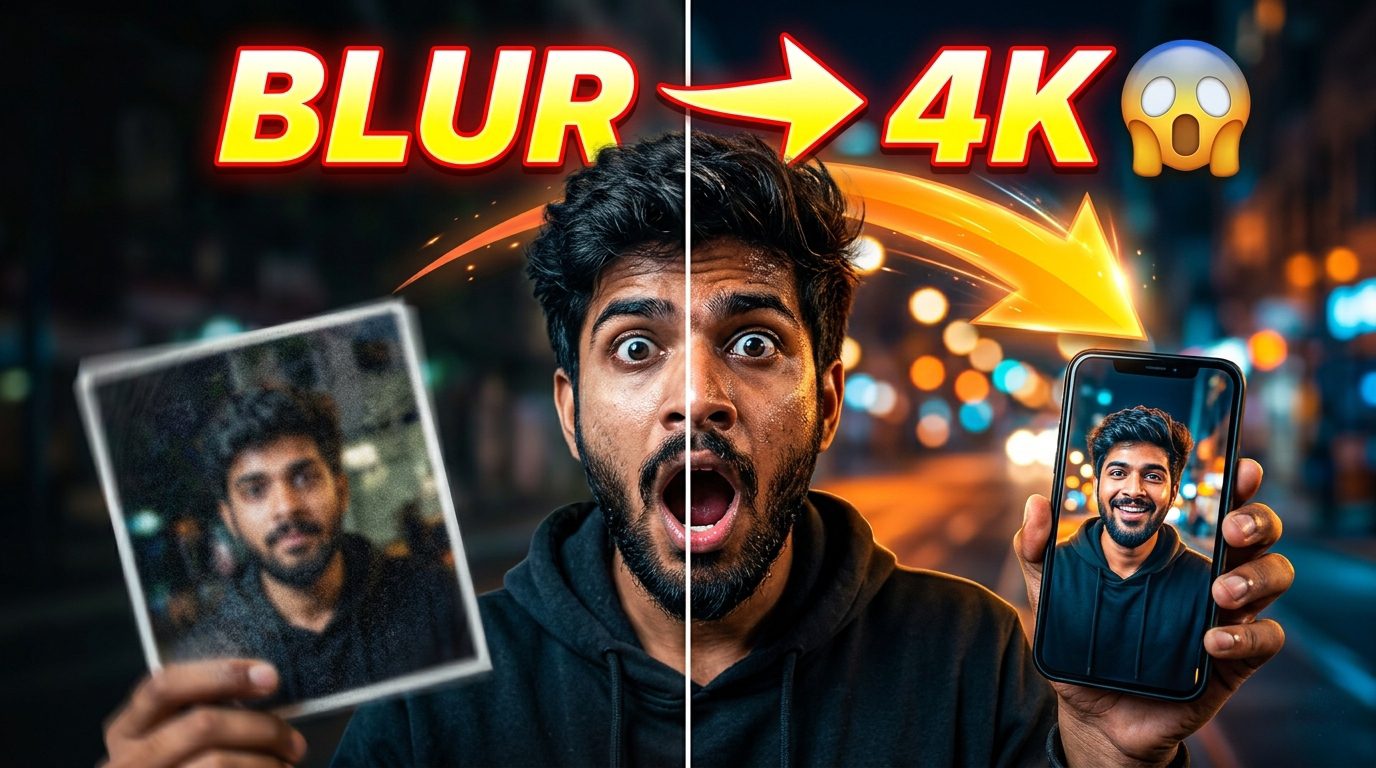
In today’s digital world, image quality matters more than ever. Whether you are a content creator, blogger, or social media influencer, high-quality visuals can make a huge difference in engagement and reach. Many times, we end up with blurry or low-resolution images that don’t look professional.
But now, with the help of Artificial Intelligence (AI), you can easily enhance any image to 4K quality without advanced editing skills. This guide will explain everything you need to know about 4K image enhancement using AI tools, how it works, and how you can get the best results.
What is 4K Image Enhancement?
4K image enhancement is the process of improving the resolution, sharpness, and overall quality of an image to ultra-high-definition (UHD), typically around 3840×2160 pixels.
AI tools analyze the existing pixels in an image and intelligently add missing details, improve textures, and reduce noise. This results in a sharper, cleaner, and more professional-looking image.
How AI Enhances Images
AI image enhancement works using deep learning models trained on millions of images. These models understand patterns such as edges, textures, lighting, and facial details.
When you upload an image, AI:
- Detects blurry or low-quality areas
- Reconstructs missing details
- Improves sharpness and clarity
- Enhances colors and lighting
This process is much faster and more accurate compared to traditional photo editing.
Why 4K Enhance Images Are Important
Using 4K-quality images is no longer optional, especially if you want to grow online.
Key Benefits:
- Better visual appeal
- Higher engagement on social media
- Improved website user experience
- Increased click-through rate (CTR)
- Better chances of ranking on Google
High-resolution images make your content look professional and trustworthy.
Best AI Tools for 4K Image Enhancement
There are many AI tools available, but some stand out because of their performance and ease of use.
1. Remini
Remini is widely known for enhancing facial images. It can turn blurry selfies into sharp, high-quality photos within seconds. It is especially popular among mobile users.
2. Topaz Gigapixel AI
This is a professional-grade tool used by photographers. It can upscale images up to 600% while maintaining natural details. It is best for high-end image enhancement.
3. Leonardo AI
Leonardo AI is a powerful platform that supports advanced image processing and enhancement. It is ideal for creators who want both quality and control.
4. MidJourney
MidJourney is mainly known for generating images, but it can also recreate and enhance visuals with impressive detail and artistic quality.
5. Stable Diffusion
Stable Diffusion is an open-source AI tool that gives you full control over image enhancement. It works best for users who want customization and flexibility.
Step-by-Step Process to Enhance Images to 4K
Step 1: Choose the Right Tool
Select an AI tool based on your needs. Beginners can start with simple tools, while professionals can use advanced software.
Step 2: Upload Your Image
Upload the image you want to enhance. Make sure the original image is not extremely low quality.
Step 3: Adjust Enhancement Settings
Most AI tools provide options like:
- Resolution scaling
- Sharpness control
- Noise reduction
- Lighting adjustments
Step 4: Process the Image
Let the AI process your image. This usually takes a few seconds to a few minutes depending on the tool.
Step 5: Download the Final Image
Once done, download your enhanced 4K image and use it wherever needed.
Tips for Better Results
To get the best output, follow these tips:
- Start with the highest quality image available
- Avoid over-sharpening
- Maintain natural skin textures
- Use proper lighting adjustments
- Test multiple tools for comparison
Small improvements can make a big difference in final results.
Common Mistakes to Avoid
Many beginners make simple mistakes that reduce the quality of the final image.
Avoid these:
- Using extremely low-resolution images
- Over-editing or over-processing
- Ignoring lighting and color balance
- Choosing the wrong AI tool
- Expecting perfect results from poor input
Remember, AI can enhance an image, but it cannot completely fix severely damaged visuals.
Use Cases of 4K Image Enhancement
AI image enhancement is useful in many areas:
1. Social Media Content
Creators use 4K images to make thumbnails and posts more attractive.
2. Blogging and Websites
High-quality images improve SEO and user experience.
3. E-commerce
Product images look more professional, which increases sales.
4. Photography
Photographers can upscale and improve old or low-resolution photos.
5. Marketing and Ads
Better visuals lead to higher conversion rates.
SEO Benefits of High-Quality Images
Using 4K images can also help your website rank better on Google.
How it helps:
- Increases user engagement
- Reduces bounce rate
- Improves page quality
- Enhances visual search performance
Make sure to also use:
- Proper image alt text
- Optimized file size
- Relevant keywords
How to Enhance an Image Using Gemini (Step-by-Step Guide)
- Copy the Prompt from “View Prompt”
First, click on the View Prompt button and copy the prompt you want to use for enhancing your image. - Open Gemini
Go to Google Gemini (in your browser or app) and make sure you’re logged in. - Upload Your Image
Click on the upload/image icon and select the image you want to enhance. - Paste the Prompt
Paste the copied prompt into the text input field. - Modify the Prompt (Optional but Recommended)
Adjust the prompt slightly based on your needs (e.g., add “high quality,” “4K,” “sharp details,” “better lighting,” etc.). - Submit the Prompt
Press Enter or click the generate button to let Gemini process your image. - Review the Output
Check the enhanced version of your image generated by Gemini. - Refine if Needed
If the result isn’t perfect, tweak your prompt and try again for better results. - Download the Final Image
Once satisfied, download the enhanced image to your device.
Conclusion
4K image enhancement using AI is a powerful solution for anyone who wants high-quality visuals without complex editing. With the right tools and basic understanding, you can turn any ordinary image into a professional-level 4K photo.
Whether you are a content creator, blogger, or business owner, using AI for image enhancement can significantly improve your content quality and online growth.
Start experimenting with different AI tools and see the difference yourself.