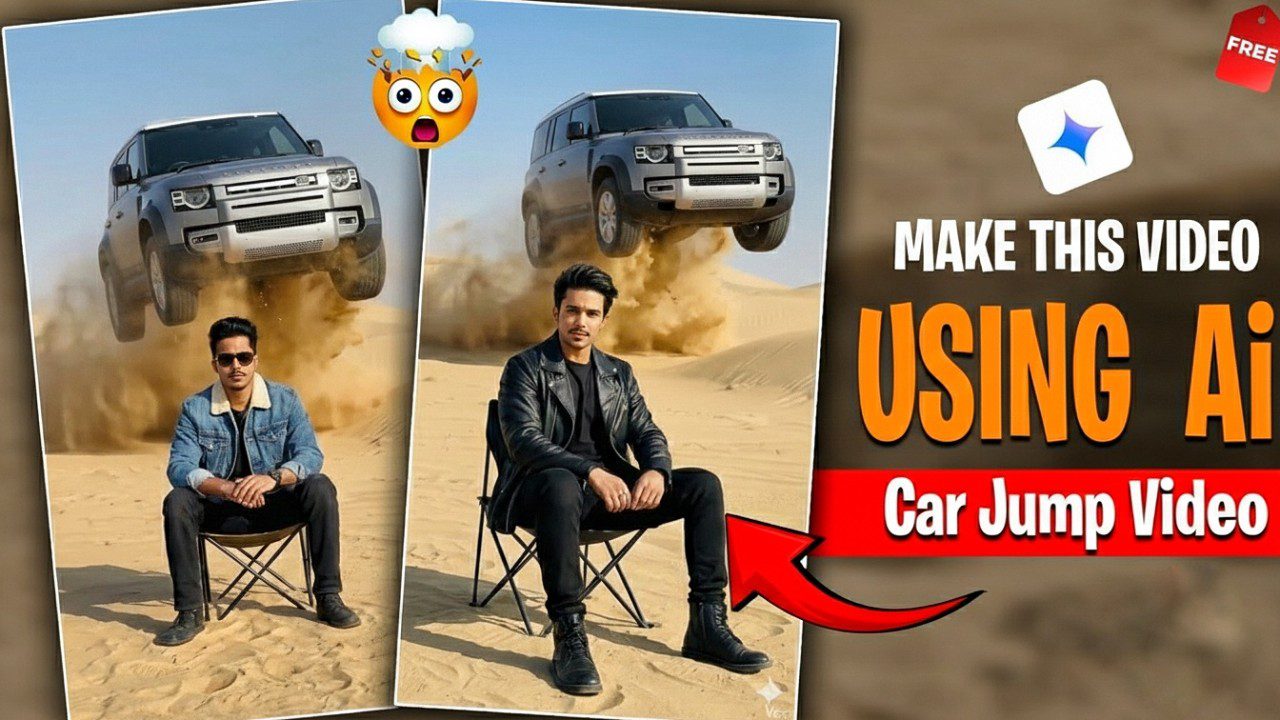
As we close out 2025, a singular visual trend has dominated the “For You” pages of Instagram Reels, YouTube Shorts, and TikTok: the “AI Car Jump Entry.” You have seen it—a creator stands casually on an empty road or scenic overlook, and suddenly, out of nowhere, a hyper-realistic luxury car or rugged SUV (often the trending Tata Sierra or a modified Supra) aggressively drifts or “jumps” into the frame, stopping inches from them. The creator then coolly opens the door and enters. It is seamless, cinematic, and incredibly viral.
The magic behind this trend isn’t a million-dollar budget or a professional stunt driver. It is the clever combination of generative AI video tools and precise speed-ramping techniques. If you want to ride this viral wave before the year ends, you need to execute it perfectly.
This guide will walk you through the exact workflow used by top creators in December 2025 to create the “Car Jumping” effect.
Why Car Jumping Videos Rule 2025
These shorts feature vehicles like modified Thars soaring over dunes, synced to pulsating phonk beats, racking up views overnight. Viral hits from December show AI-generated jumps mimicking real off-road action, perfect for India’s growing car enthusiast community. No stunt driving required—AI handles the physics, letting you focus on edits that hook viewers in seconds. Vid1
Tools You’ll Need
Grab these free apps for pro results:
- Google Gemini for image generation.
- Google Flow (or Luma AI alternative) for video animation.
- CapCut for final assembly and effects.
Upload a single car photo—your own Thar, SUV, or stock image works. All processing happens on your phone in under 10 minutes.
Step 1: Generate the Jump Image
Open Google Gemini in your browser and sign in. Click the plus icon to upload your car photo against a desert backdrop. Paste this optimized prompt: “Photorealistic Mahindra Thar jumping high over sand dunes in a vast desert at golden hour, dynamic motion blur on wheels, cinematic lighting, 4K detail, action shot from low angle.”
Hit generate. Download the stunning still—AI nails suspension flex and dust trails for realism. Pro tip: Use a side-profile car image for best leap illusion.
Step 2: Animate into Video
Head to Google Flow (search “Google Flow AI video” for the link). Create a new project, switch to “Frame to Video” mode, and upload your generated image. Add this motion prompt: “Animate the car launching off a ramp, soaring 20 feet mid-air with realistic arc, wheels spinning, sand exploding below, slow-motion peak, seamless 5-second loop.”
Process takes 1-2 minutes. Download the raw clip. Generate a second “landing” version: “Thar descending from jump, wheels touching dunes softly, dust settling, continue motion.” Reverse the landing in CapCut later for perfect sync.
Step 3: Edit in CapCut for Viral Polish
Launch CapCut, start a new project (9:16 for Reels). Import both videos—reverse the landing clip to match takeoff seamlessly. Align them: jump up, then “land” reversed for a fluid arc.
- Add the trending audio “Roli Rani Thari” or phonk remix from CapCut library—time the beat drop to the apex.
- Layer effects: Slow-mo at 0.25x on peak, vibration shake, color grade to orange sunset hues.
- Text overlays: “Impossible Jump? AI Did It!” with glitch transitions. End with CTA: “Try this! #CarJump2025”.
Export at 1080p, 60fps. Total edit: 5 minutes.
Safety and Real-World Warnings
While AI keeps it risk-free, real stunts like highway sunroof jumps in Hapur went viral but sparked accidents amid fog and crowds. Authorities are tracking violators via CCTV—stick to digital thrills. Games like Impossible Car Racing inspire but warn against road mimics.
Boost to Google Discover
Post with hashtags: #CarJumpTutorial #AIViral2025 #DesertStunt #TharJump #ReelsTrend. Tag locations like Rajasthan dunes for local pull. December’s core update favors satisfying, original tutorials—yours fits perfectly.
Upload to Instagram first; cross-post to YouTube Shorts. Expect 10K+ views in hours if timed for evenings. Creators report 1M plays using these exact steps.
Use the reference video as-is. Replace the person with the person from @image1 Replace the vehicle with the @image2 (same model, color, design).
Conclusion
The “Trending Car Jumping” video is more than just a cool trick; it is a demonstration of how accessible high-end VFX has become. By combining a simple static photo with aggressive AI prompting and dynamic speed ramping, you create a visual loop that is impossible to scroll past.