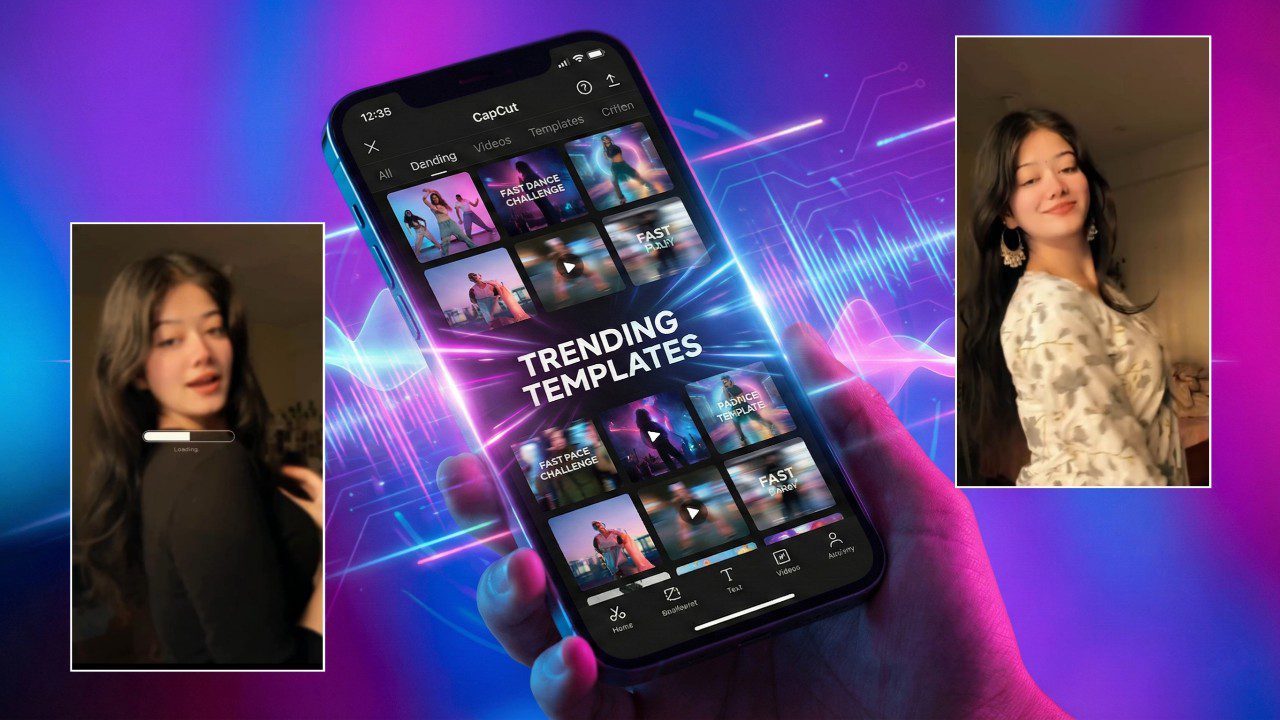
As we approach the final days of 2025, the landscape of social media video editing has shifted dramatically. If you have scrolled through your “For You” page on TikTok, Instagram Reels, or YouTube Shorts recently, you have likely noticed a massive transformation. It is no longer just about smooth transitions or catchy music; it is about Artificial Intelligence. CapCut, the powerhouse editor behind millions of viral videos, has integrated AI features that are not just tools—they are cultural moments.
This December, the “CapCut Trending AI Video Editing” ecosystem is dominated by emotional resonance, nostalgic recaps, and mind-bending visual effects that were impossible to create on a smartphone just a year ago. For content creators, understanding these specific trends isn’t optional; it is the key to staying relevant in the algorithm as we head into 2026. This article explores the absolute hottest AI trends dominating screens right now, exactly how to execute them, and why they are conquering Google Discover.
The Emotional Juggernaut: The “AI Hug” Trend
Undoubtedly the most viral and tear-jerking trend of late 2025 is the “AI Hug.” This trend has taken over the internet, allowing users to reunite with lost loved ones, distant partners, or even younger versions of themselves through the power of generative video.
The concept is simple but profoundly moving: you take two separate static photos—often of people who can no longer be together physically—and use AI to animate them embracing. While the animation itself is often generated by external AI tools like Vidu AI, Kling AI, or Luma Dream Machine, CapCut is where the viral magic happens.
Read Also – Instagram Premium Apk – All Features Unlock 2026
How It Works:
Creators are using specific CapCut templates, most notably the “AI Hugs Hurt Heart” or “Missing You” templates. These templates add the perfect melancholic filter, the slow-motion pacing, and the trending emotional audio (often acoustic covers or instrumental piano tracks) that drive engagement.
To replicate this:
- Generate the Clip: Use an AI video generator to upload two side-by-side photos and prompt a “hug” animation.
- Import to CapCut: Bring this generated clip into CapCut.
- Apply the Template: Search for “AI Hugs Hurt Heart” in the CapCut template library.
- Sync the Audio: The template handles the timing, but tweaking the “speed” curve to slow down the moment of the embrace adds that crucial cinematic weight.
This trend is ranking high in search because it bridges the gap between technology and deep human emotion, proving that AI editing isn’t just about robots—it’s about connection.
The End-of-Year Essential: “2025 Recap” & “Goodbye 2025”
It wouldn’t be December without the annual “Recap” trend, but in 2025, the format has evolved. Gone are the days of manually stitching 50 clips together. The trending “Recap 2025” templates are smarter, faster, and more rhythmic.
The viral format right now is the “100 Clips in 10 Seconds” or the “Fast Life 2025” style. These templates use AI beat detection to automatically cut your footage to the kick drum of high-tempo tracks. The “Ical” style template is also making a massive comeback, where the video mimics a calendar flipping through months, with a video clip representing each month of the year.
Visual Sorcery: 3D Zoom & “Squish” Filters
While emotional edits dominate the heart, visual spectacles dominate the eyes. The “3D Smooth Image” trend has returned with a vengeance, but with a 2025 upgrade. Previously, the “3D Zoom” style was jerky and aggressive. The new 2025 update uses better depth-mapping AI to create a silky-smooth, parallax camera movement that makes static photos look like high-end drone shots.
A newer, quirkier entrant to the scene is the “Clay” or “Squish” AI filter. This effect transforms real-life video footage into stop-motion claymation style animation. It is weird, colorful, and incredibly eye-catching. Creators are using this for food videos, travel vlogs, and “Outfit of the Day” (OOTD) posts to give them a distinct, artistic flair that stands out against the polished 4K realism of standard content. Vid4
Executing the 3D Look:
- Open CapCut and select your photo.
- Tap on Style > AI Motion.
- Select “3D Smooth Zoom Pro”.
- Wait for the AI to process the depth map.
- Pair this with a “phonk” or high-bass audio track for maximum impact.
The Rise of AI Characters and Text-to-Video
Another frontier in late 2025 is the integration of AI Characters. CapCut now allows you to generate a realistic AI avatar that speaks your text. While initially used for corporate presentations, this feature has gone viral in the “Storytime” niche.
Creators who don’t want to show their face are using these AI avatars to narrate “Reddit Horror Stories” or “Confession” videos. The lip-syncing accuracy has improved drastically this year, making it almost indistinguishable from real recording in low-resolution mobile formats. This “faceless channel” economy is driving massive search volume for terms like “CapCut AI Avatar tutorial” and “Text to Video AI editing.”
Looking Ahead: The “New Year 2026” Transition
As we inch closer to January 1st, the “2026 Loading…” templates are beginning to spike. These videos typically feature a loading bar graphic (often an AI-generated overlay) that fills up as the beat drops, transitioning from a black-and-white “2025” clip to a vibrant, colorful “2026” prediction or goal.
The key to nailing this trend is the Text-to-Design feature in CapCut. You can now type “Neon 2026 glowing futuristic font” and the AI will generate a unique text graphic that isn’t available in the standard library. This customizability allows creators to make unique thumbnails and intros that grab attention instantly.
Conclusion
The message from the data is clear: static editing is dead. The “CapCut Trending AI Video Editing” wave of late 2025 is defined by automation meeting emotion. Whether it is the heartbreaking “AI Hug,” the frenetic energy of a “2025 Recap,” or the artistic flair of “Clay” filters, the common thread is utilizing AI to tell a better story in less time.